
Shopify | Create an App for n8n node
Quick guide to create a Shopify App connection for n8n.io
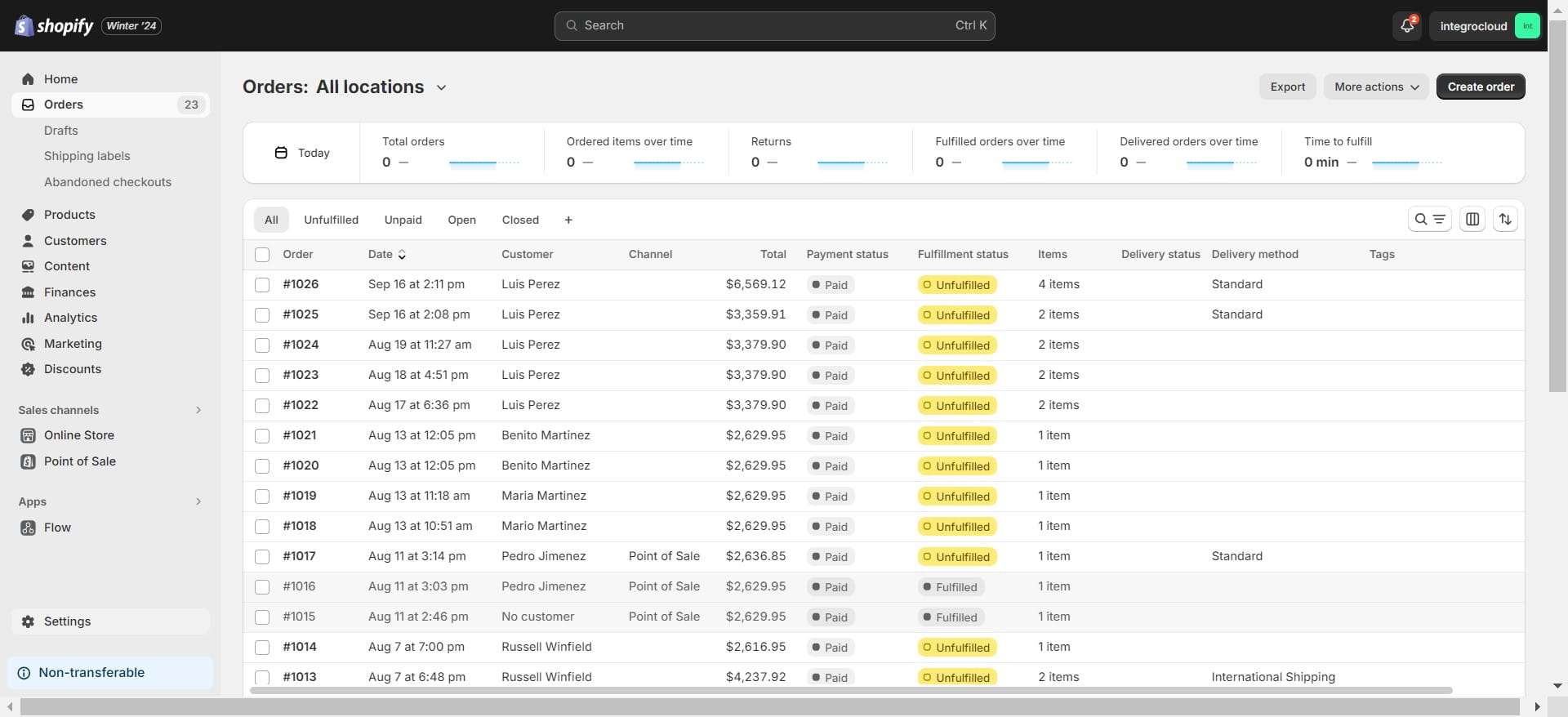
Navigate to https://admin.shopify.com/store/{Your Store Name}
Click on "Settings"
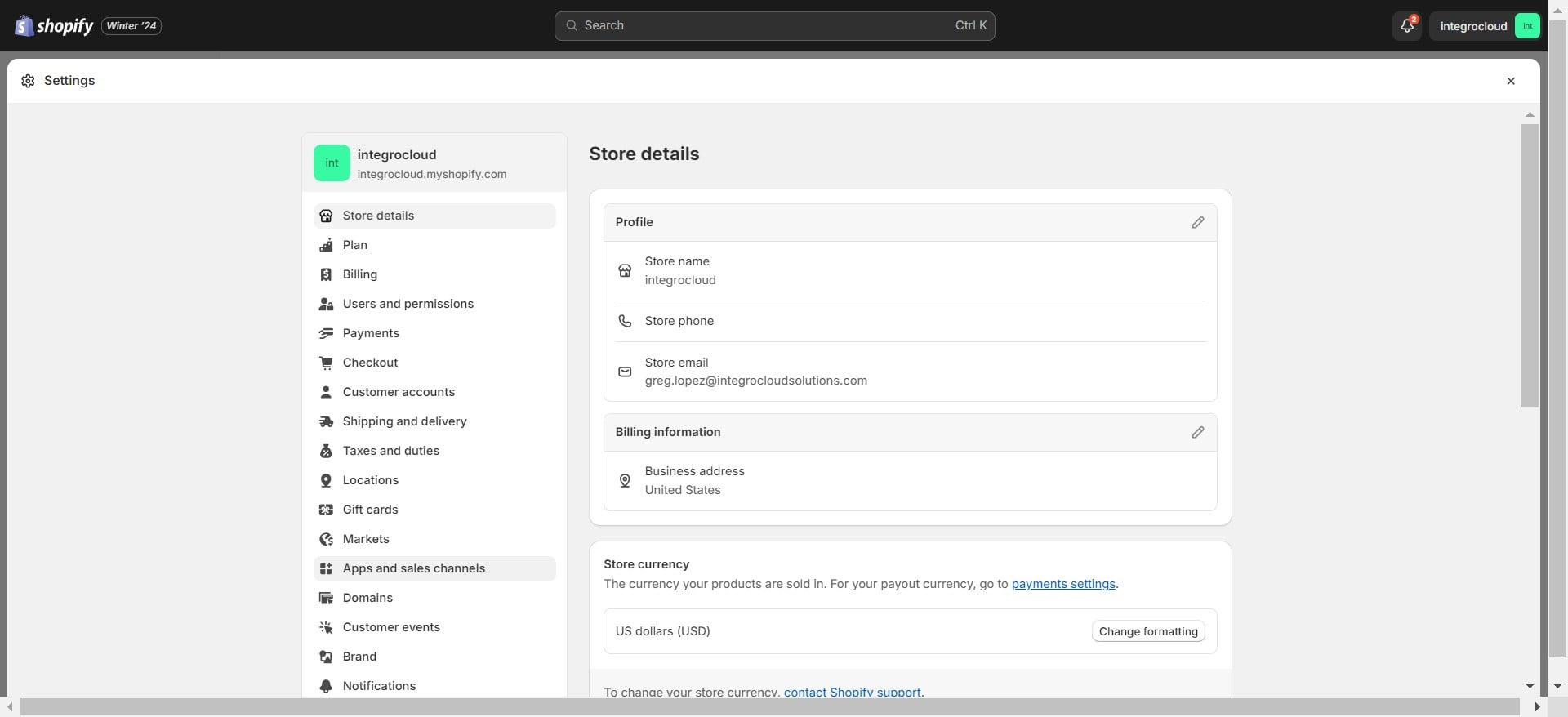
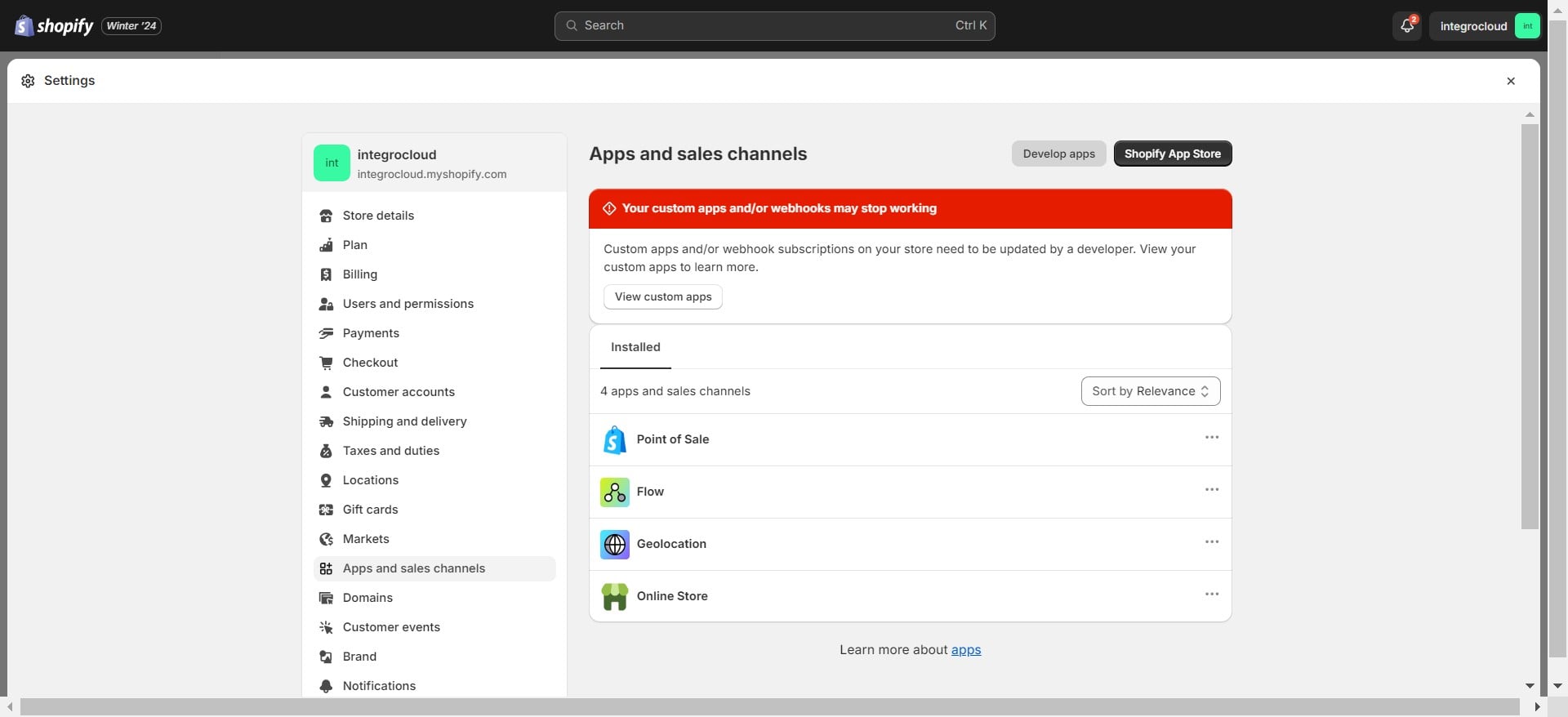
Click on "Apps and sales channels"
Click on "Develop apps"
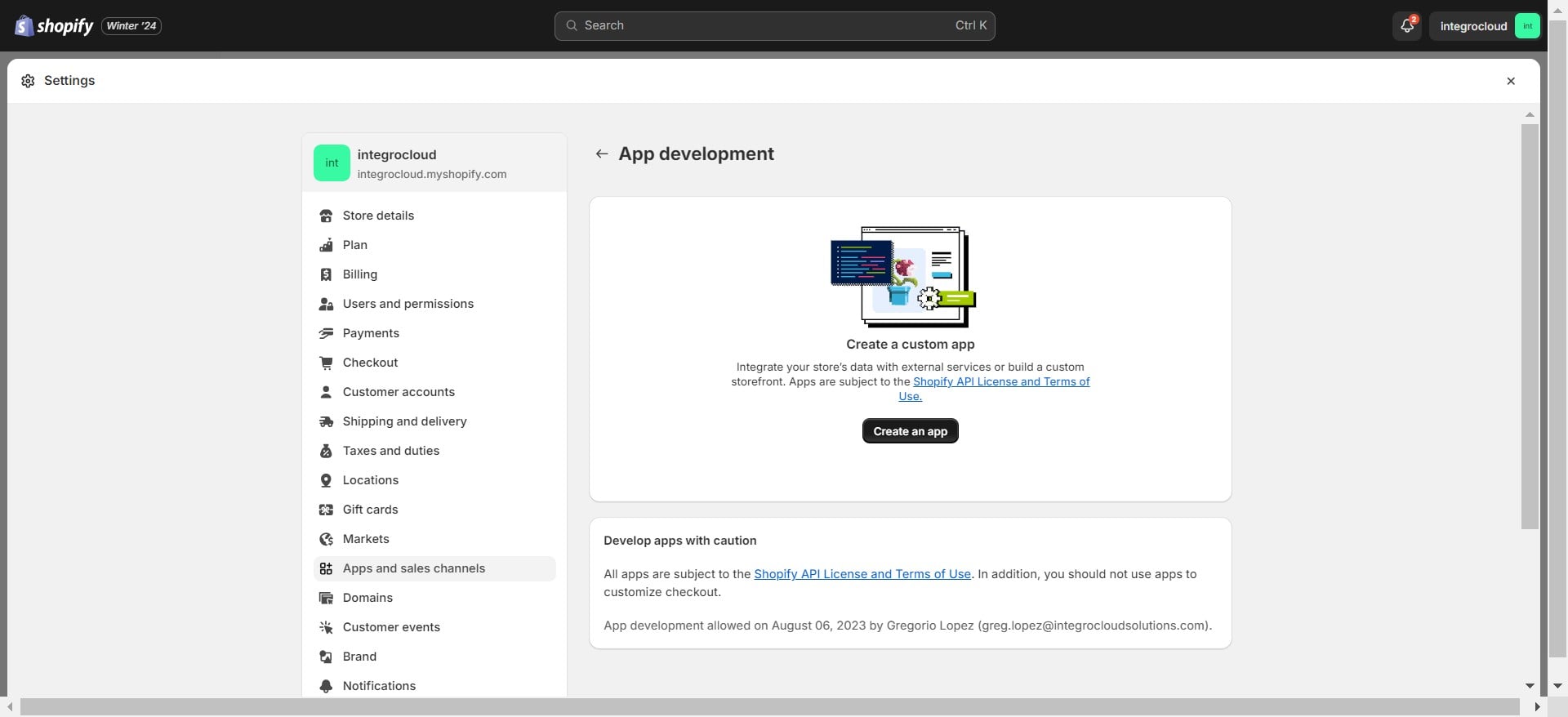
Click on "Create an app"
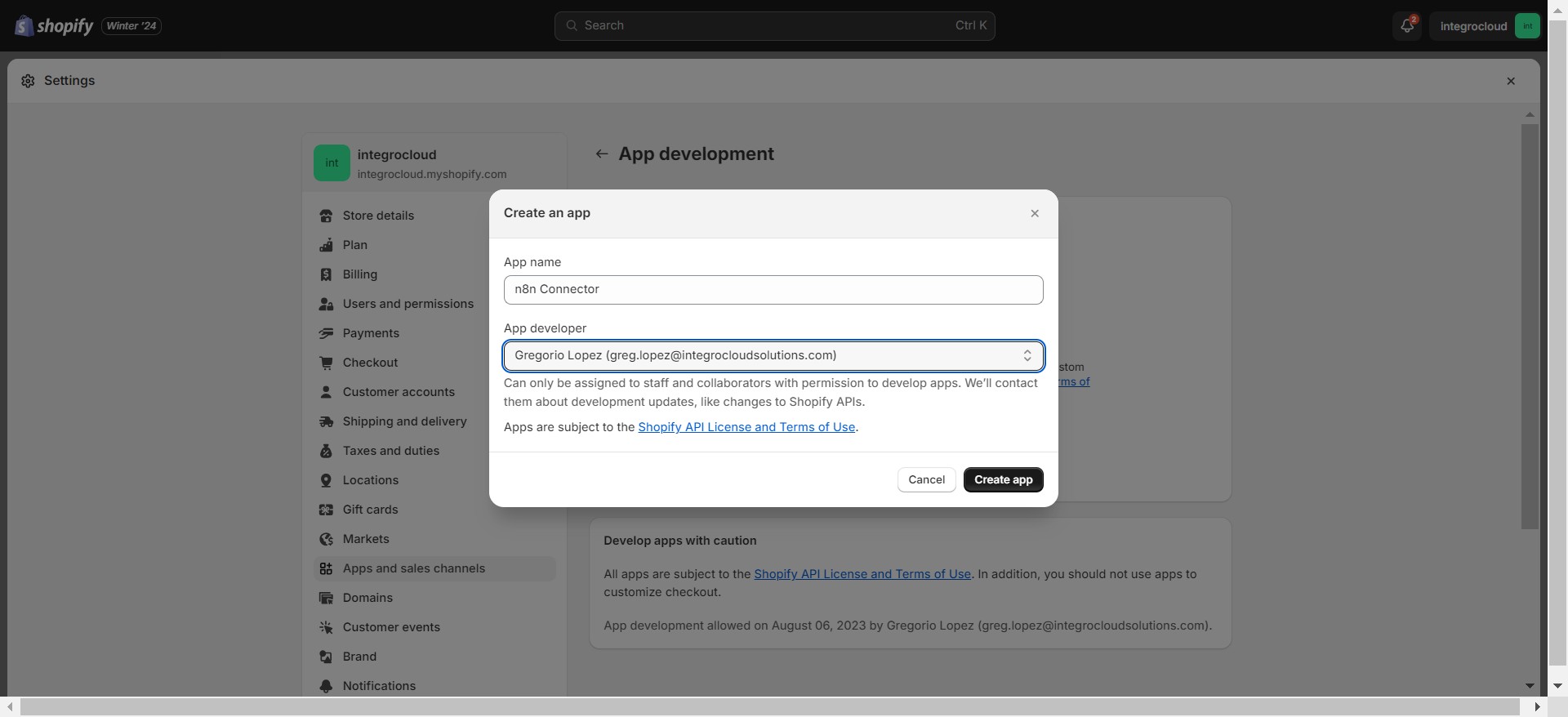
Enter your App name: "n8n Connector" & Create App
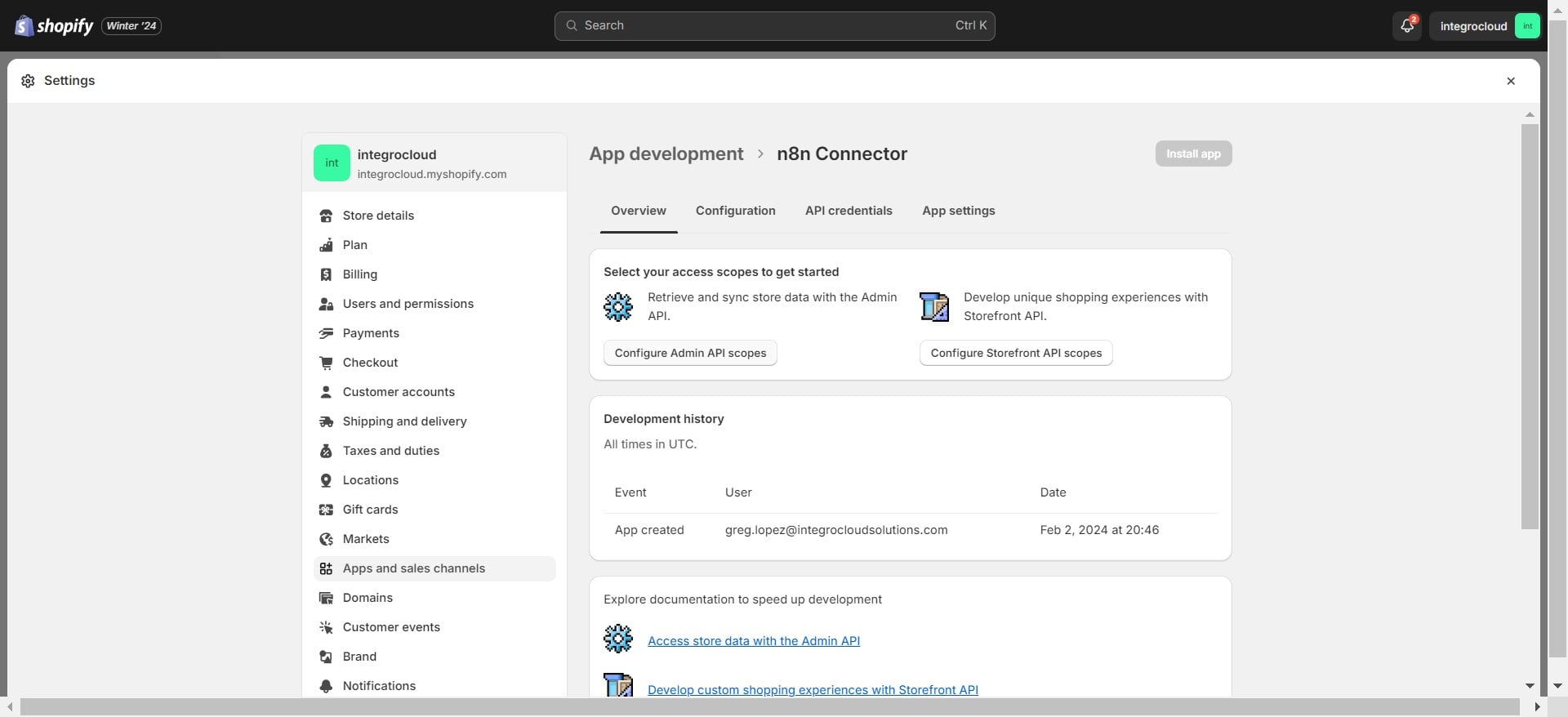
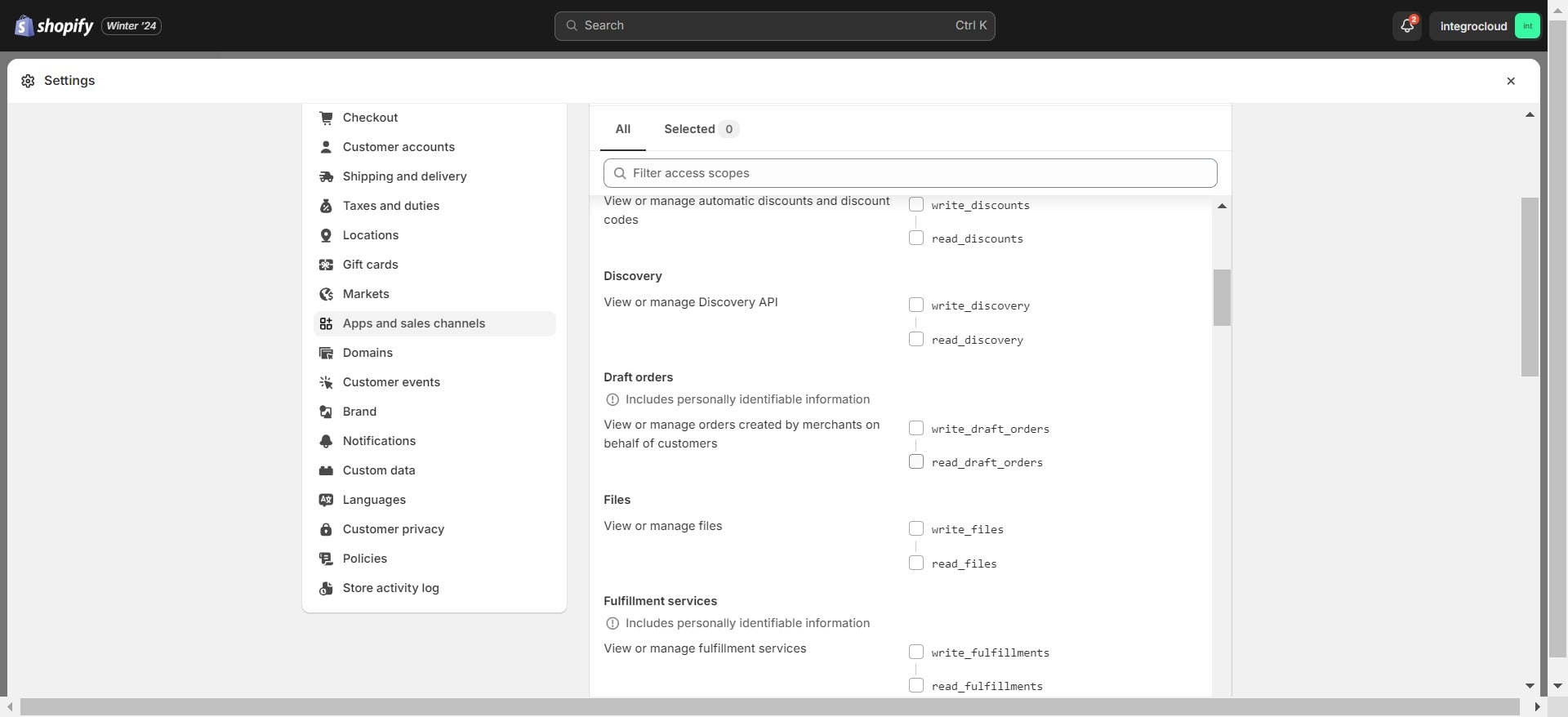
Click on "Configure Admin API scopes"
Add these scopes (recommended):
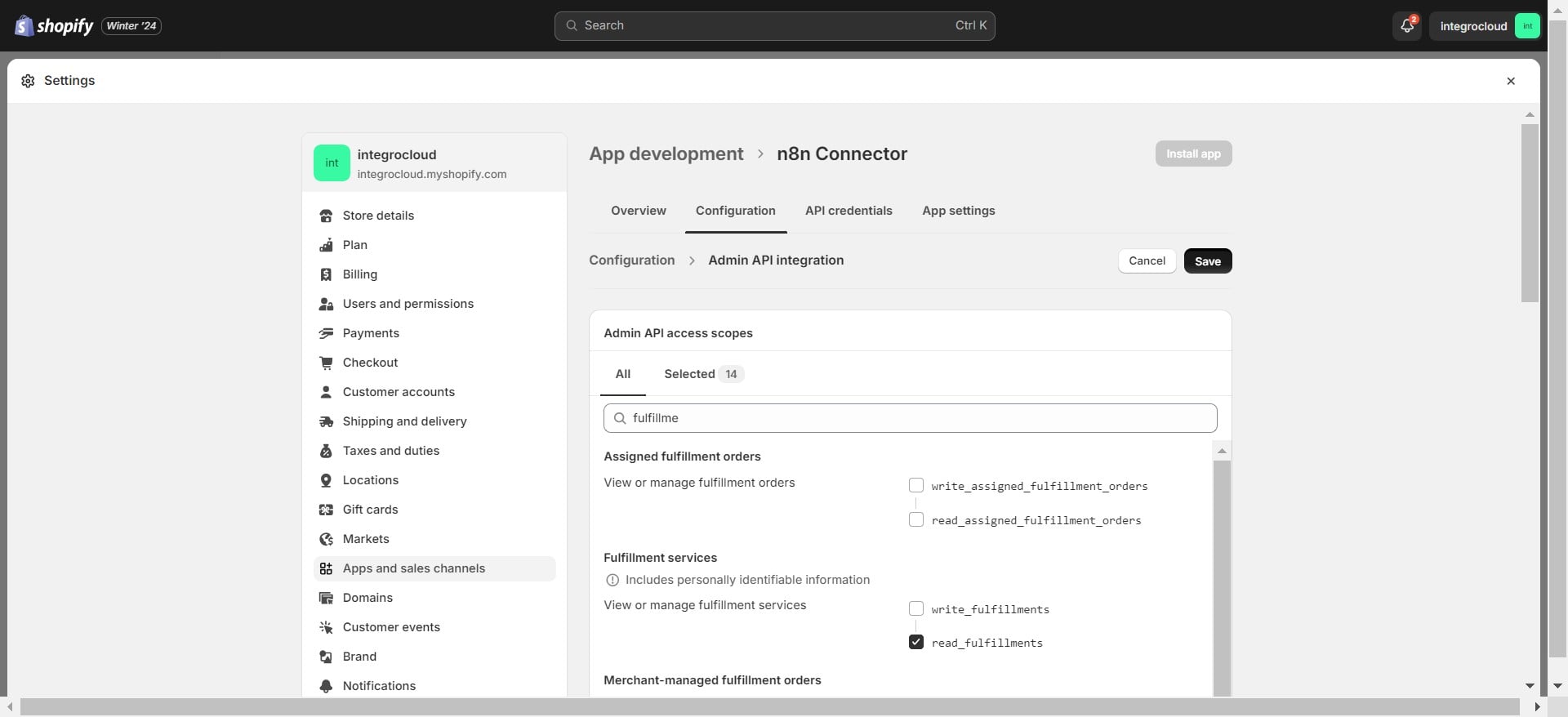
read_draft_orders, write_draft_orders, read_fulfillments, read_locations, read_order_edits, write_order_edits, write_orders, read_orders, read_payment_terms, read_products, write_returns, read_returns, write_merchant_managed_fulfillment_orders, read_merchant_managed_fulfillment_orders
Click on "Save"
Click on "API credentials"
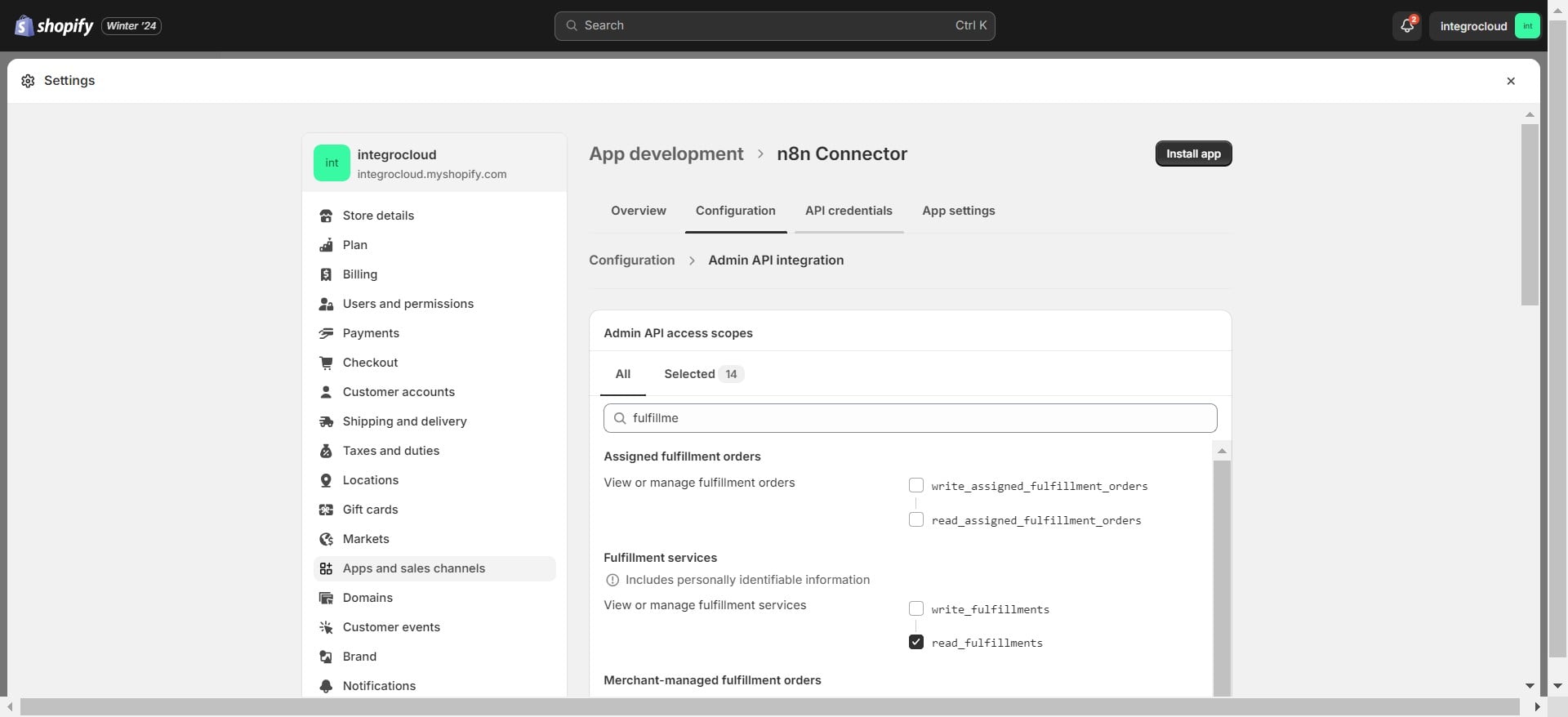
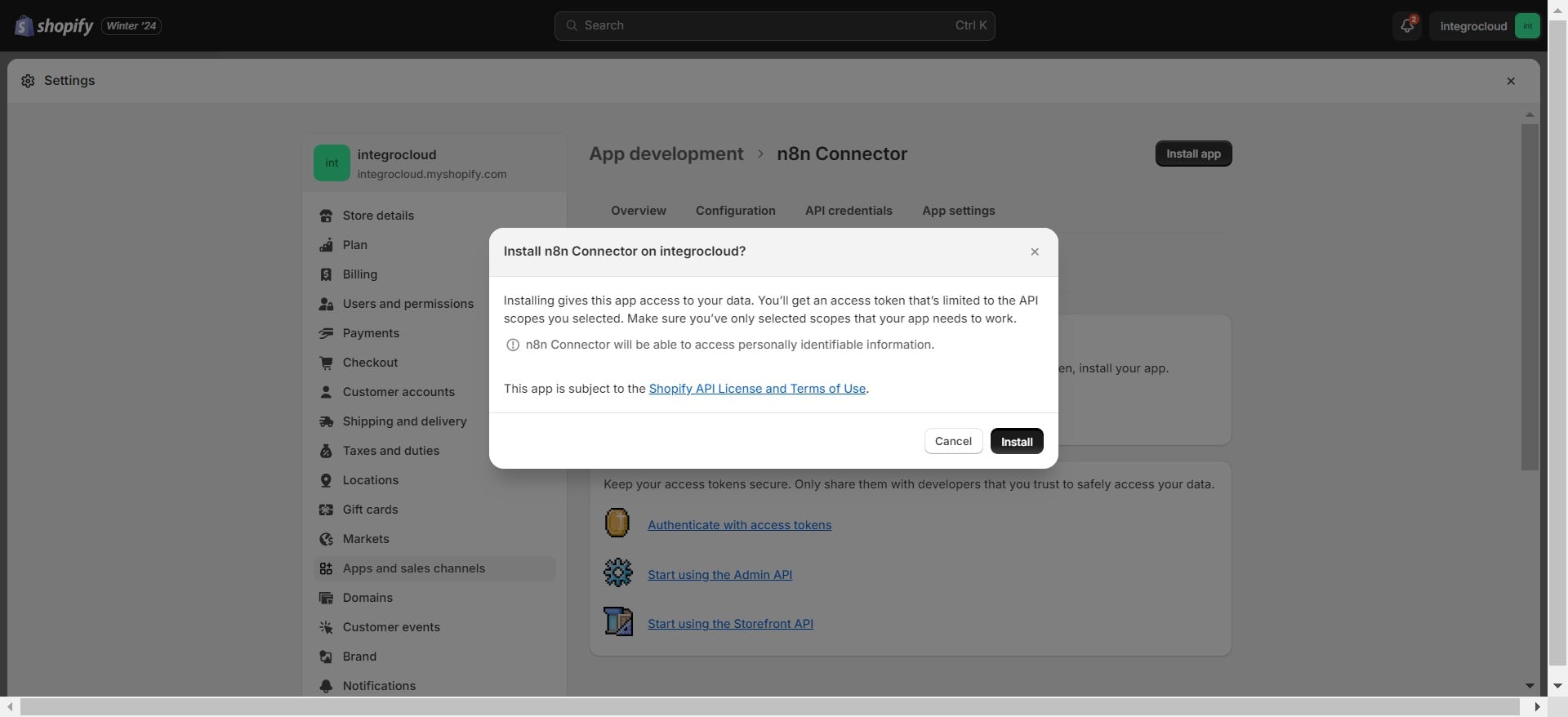
Click on "Install app"
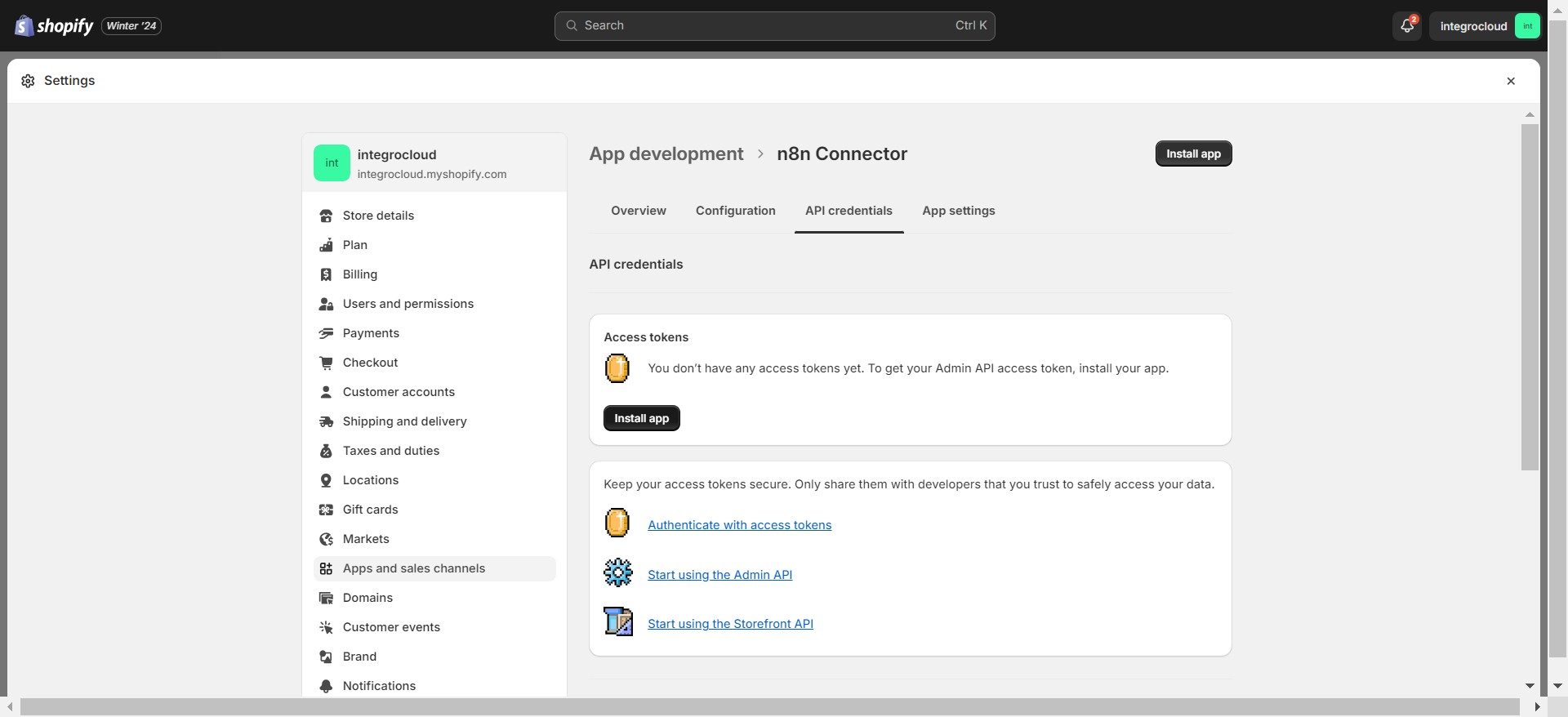
Click on "Install"
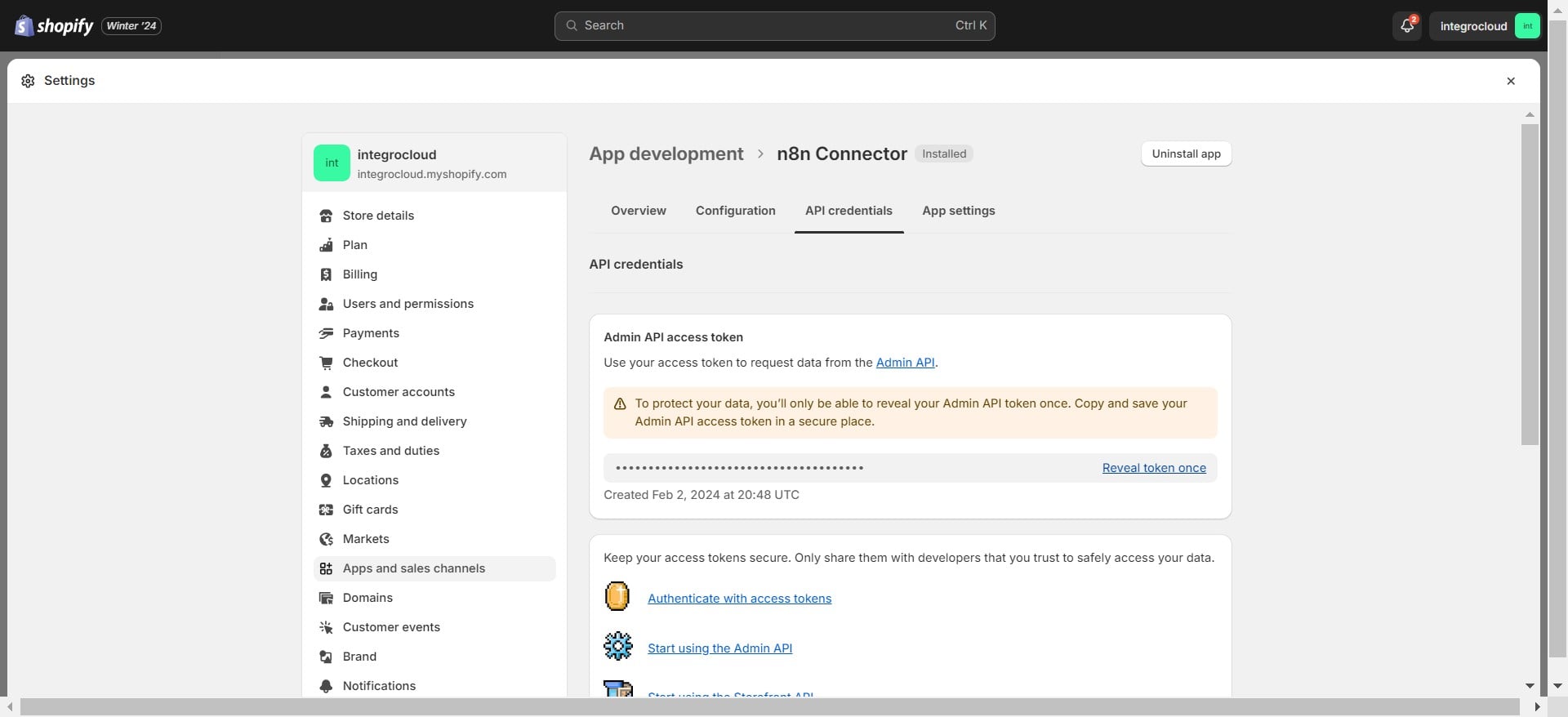
Click on "Reveal token once" & copy token
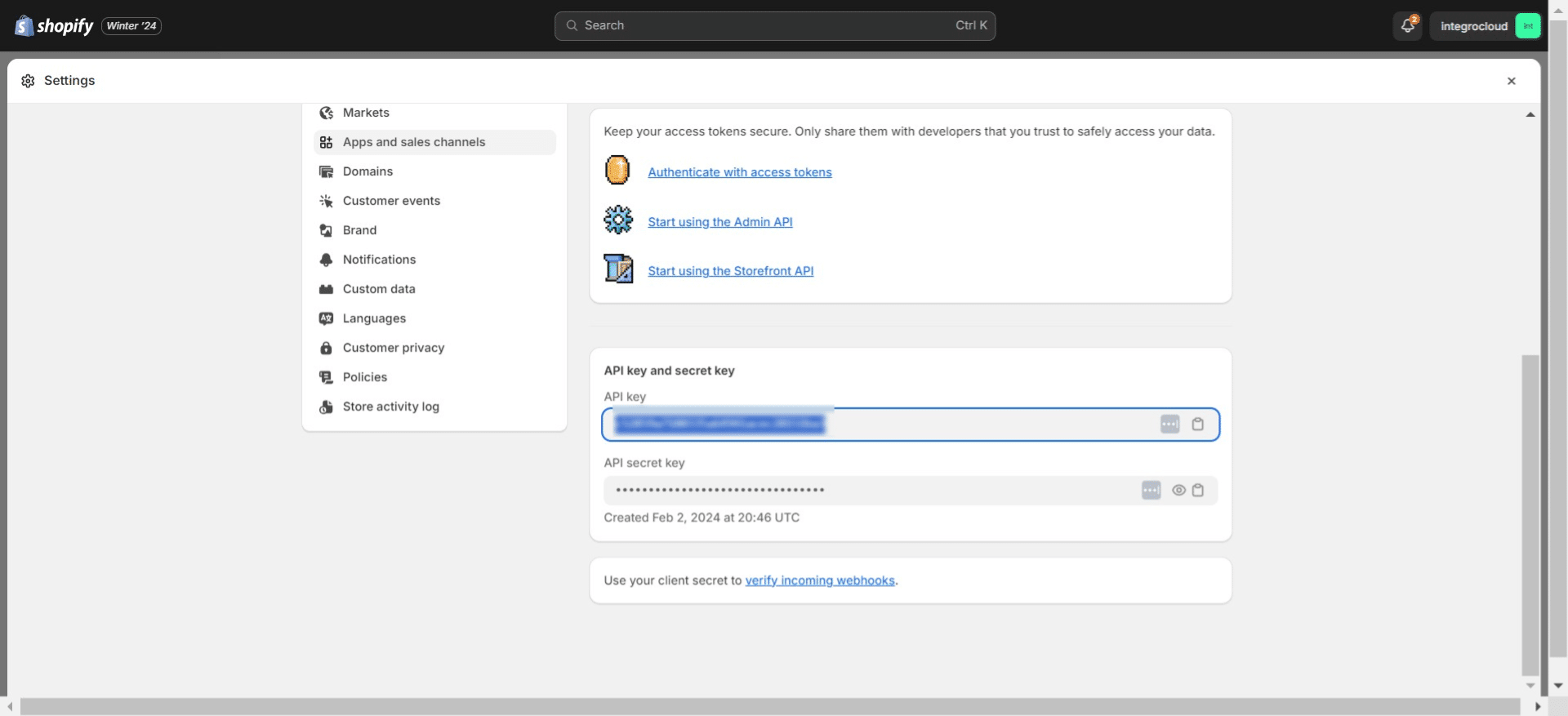
Copy the API Key
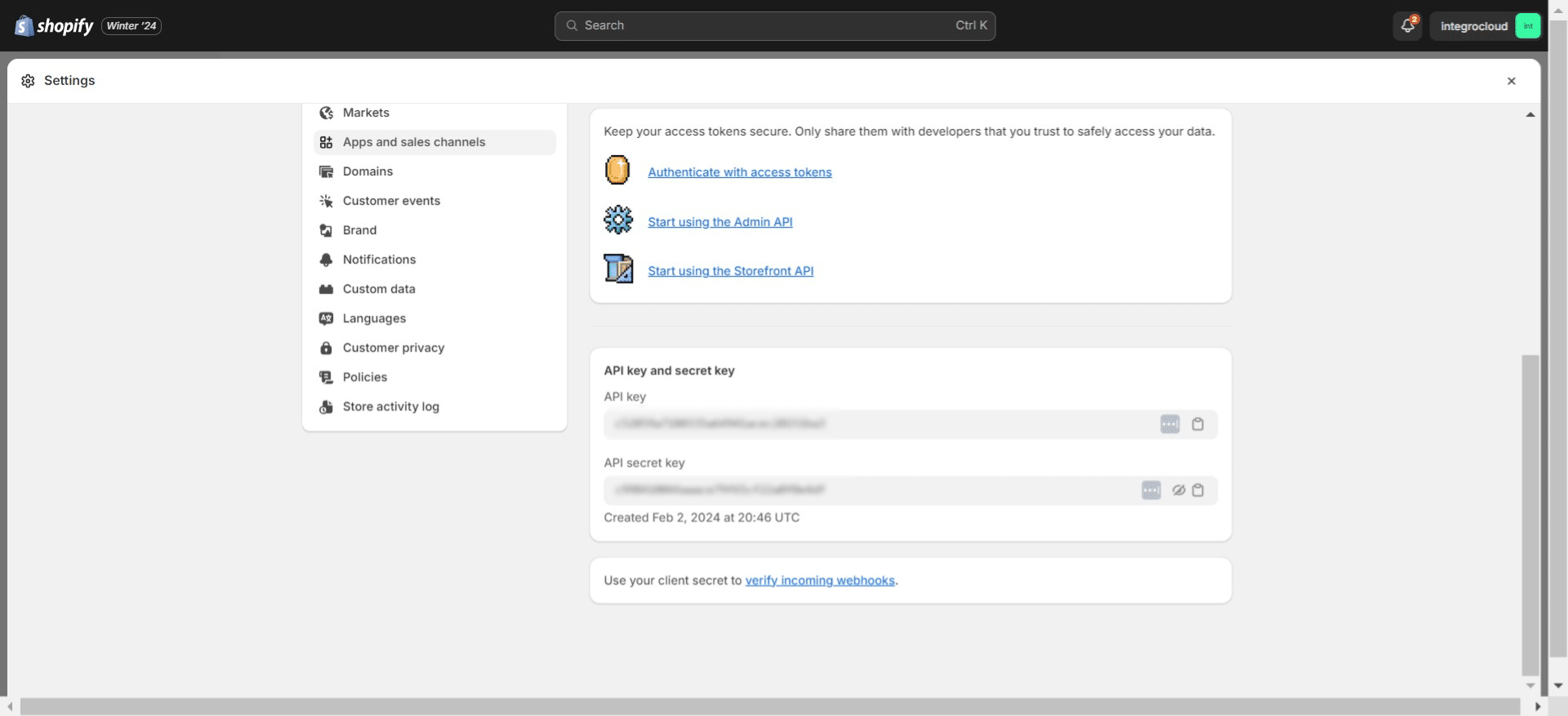
Click here
Go to the Shopify node
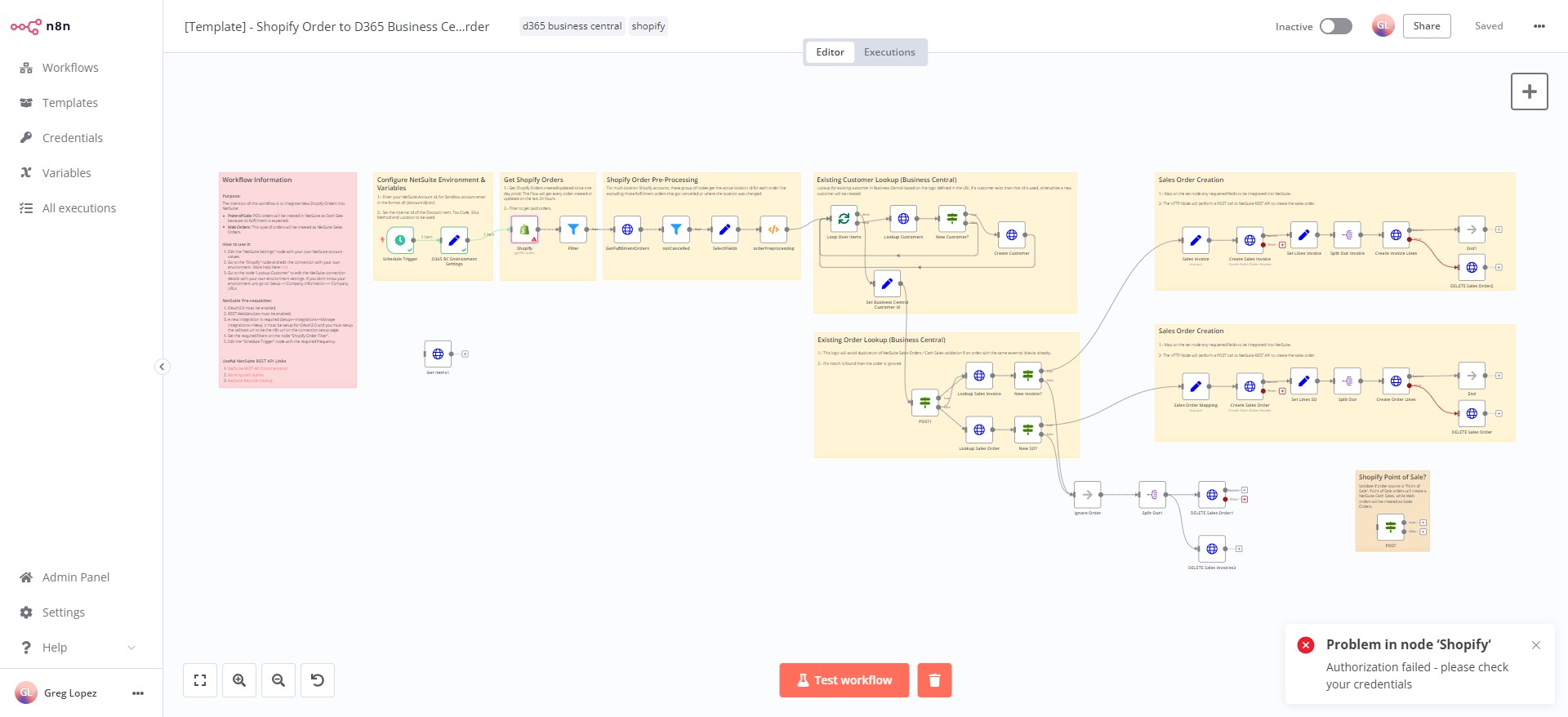
Click this icon
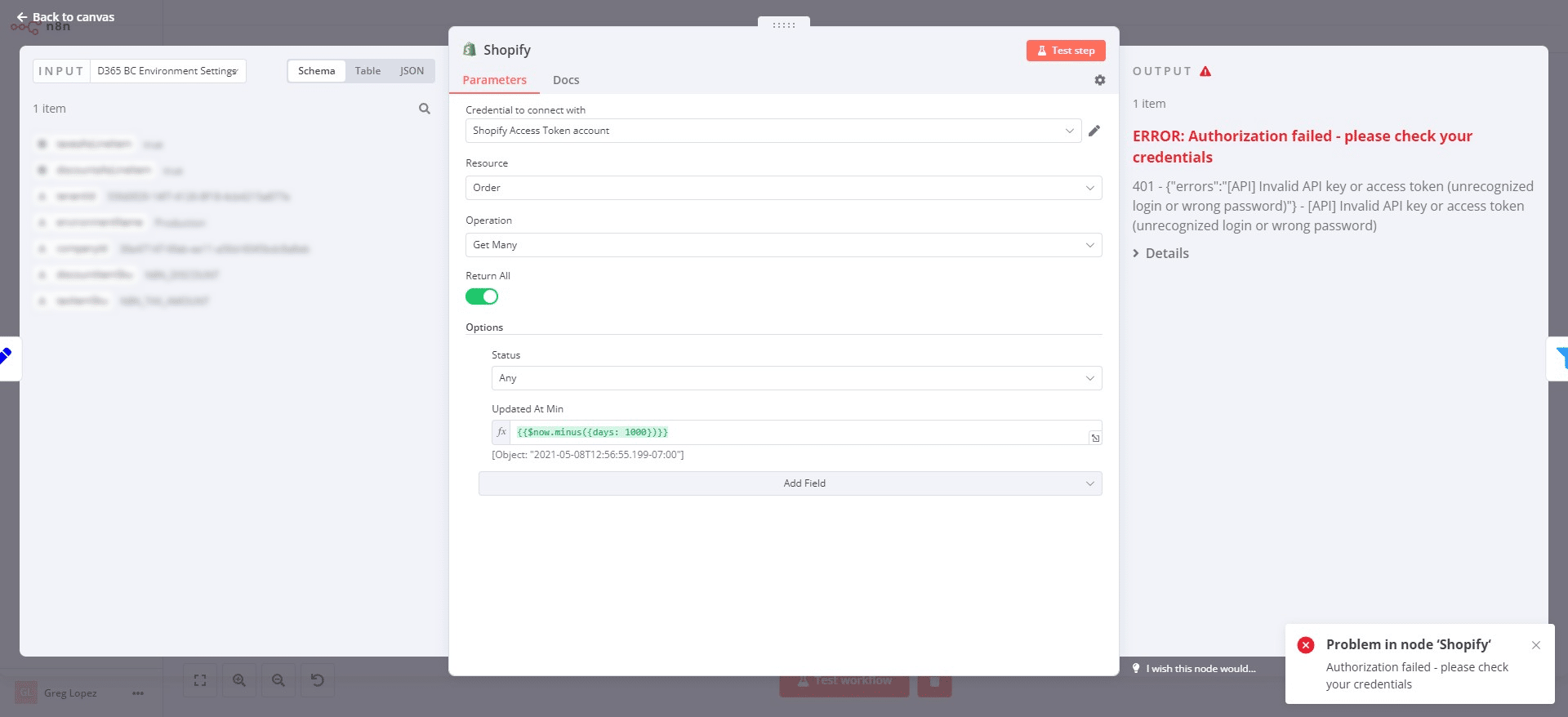
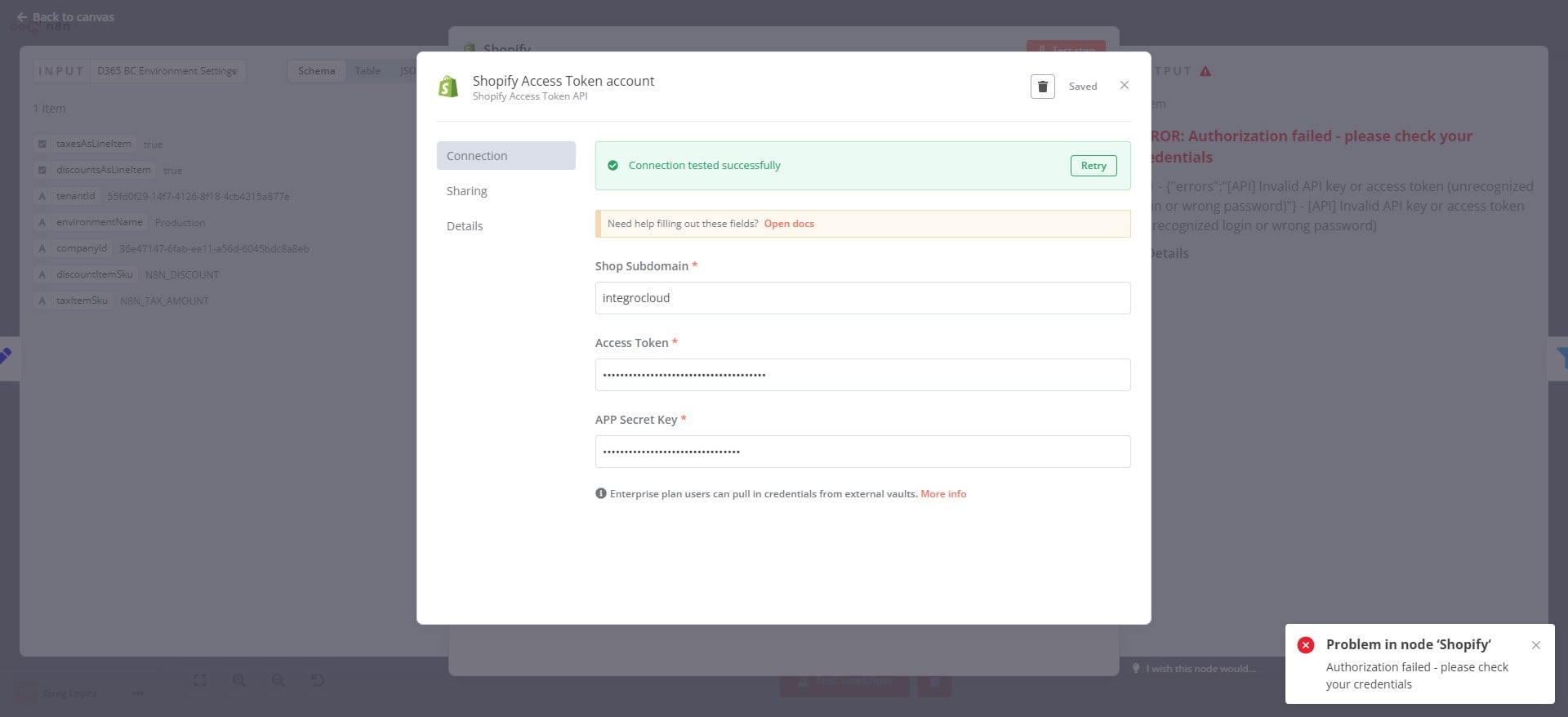
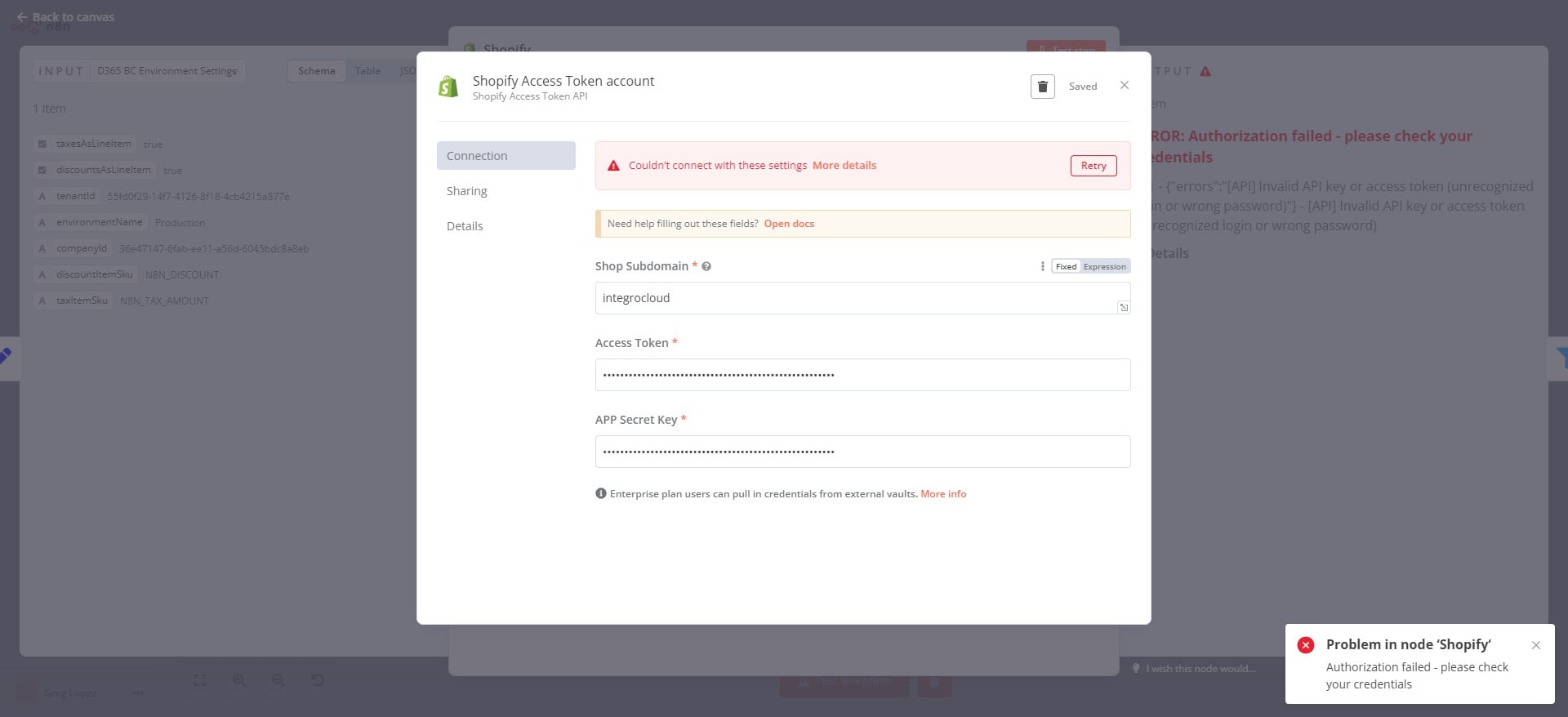
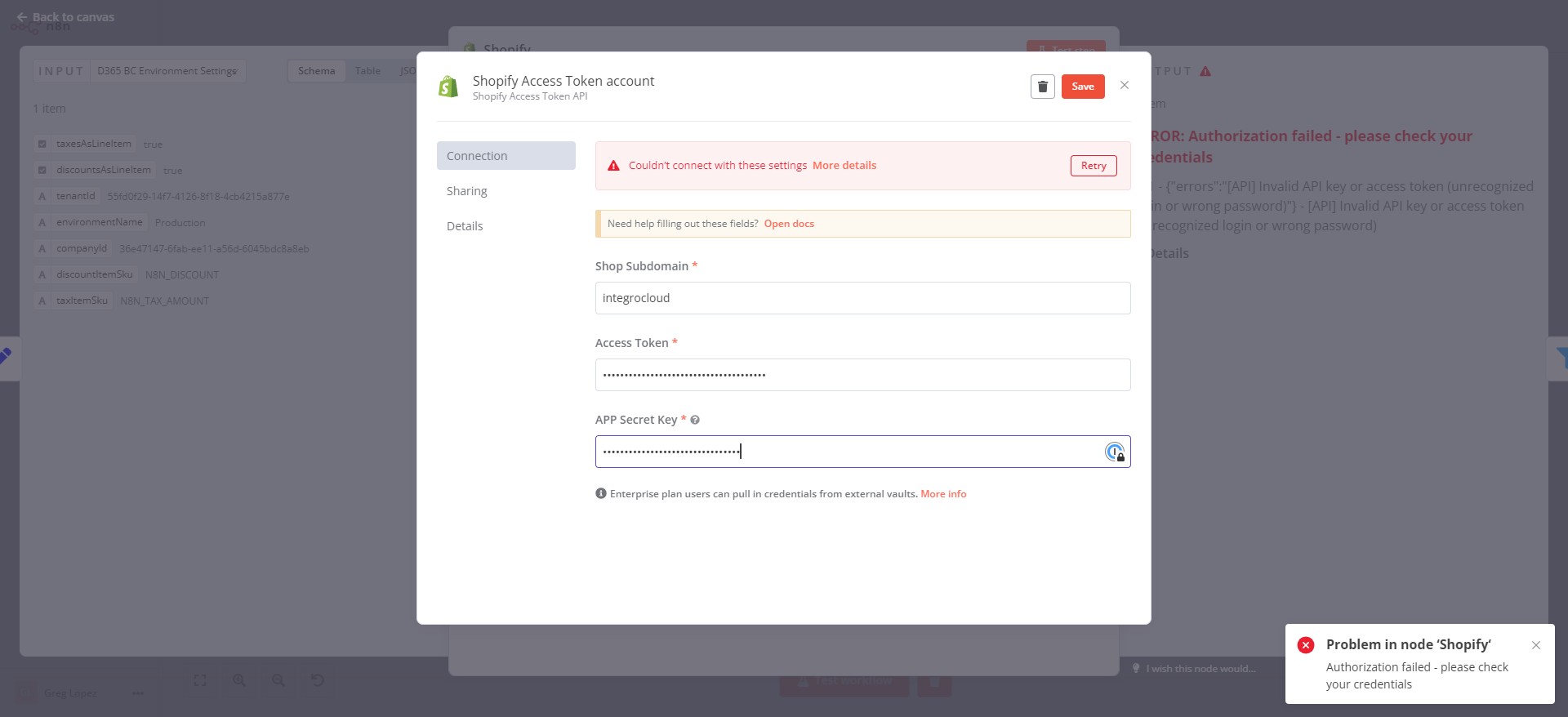
Enter Shopify sub-domain
Enter Shopify Access Token
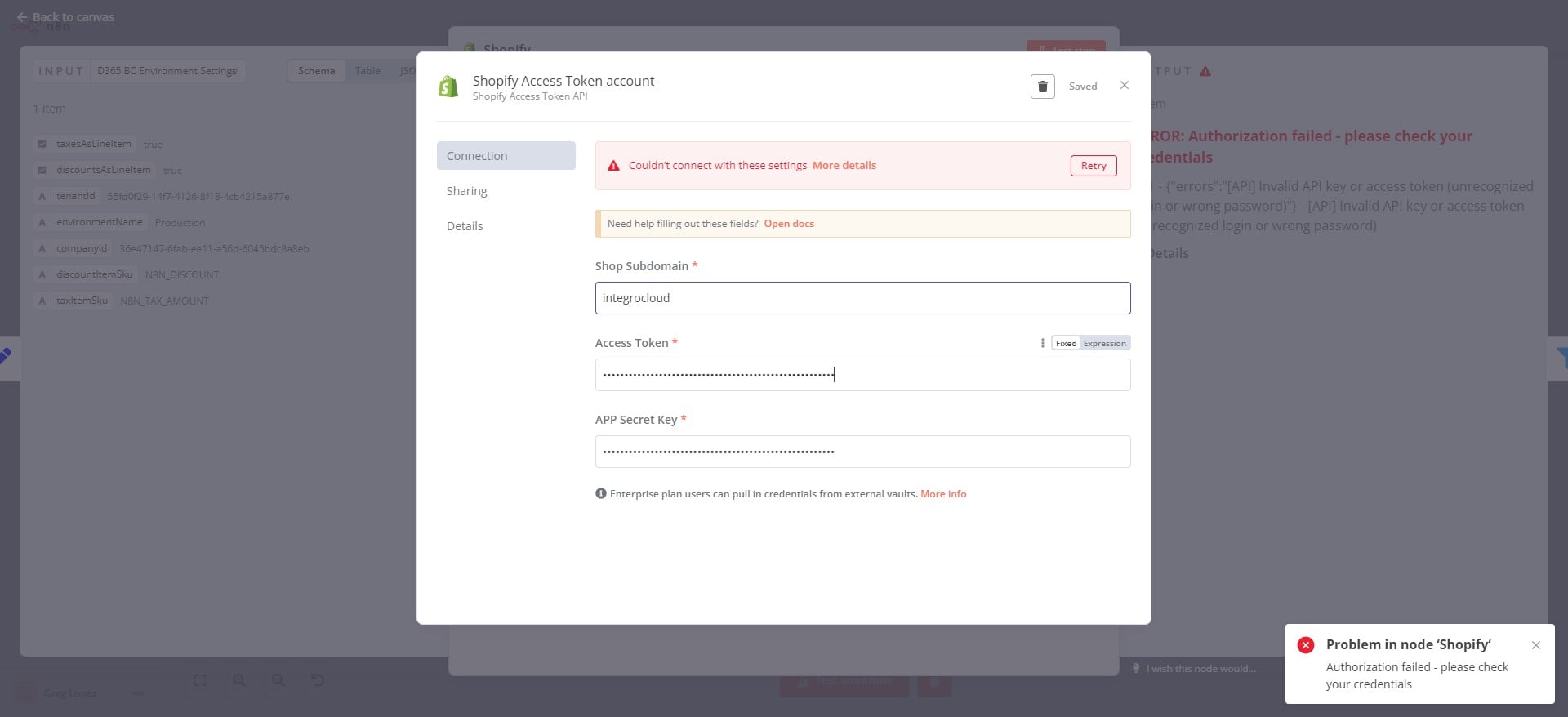
Enter Shopify API Secret Key & Save
Connection stablished successfully